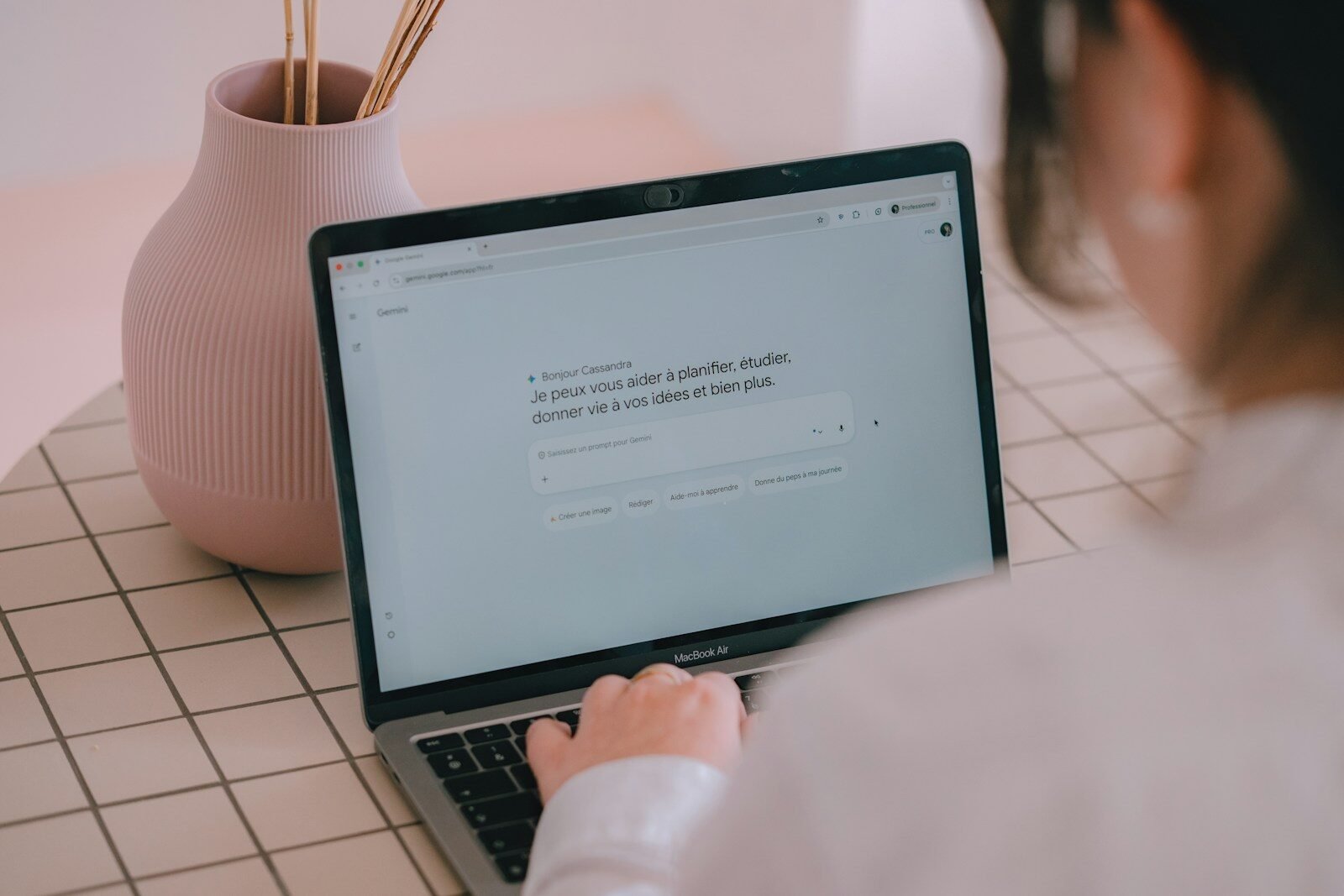
What Is a Prompt, Really? How to Talk to an AI Chatbot So It Understands You
A prompt is the message you type to an AI chatbot to tell it what you want. The clearer your instruction, the better the answer — because the chatbot can only work with what you give it. A good prompt says what you want, who it is for, and what shape the answer should take.
Why do short prompts give weak answers?
A short prompt leaves the chatbot guessing. If you type “write a post,” the chatbot has to guess what the post is about, who will read it, how long it should be, and what tone to use. It will still produce something, but it will be generic, because generic is the only safe guess.
Compare that with a prompt that answers the obvious questions first: “Write a short, friendly Instagram post for a small bakery, announcing fresh bread on Saturday morning, in under 50 words.” Now the chatbot knows the topic, the audience, the place, and the length. The result is much closer to what you actually wanted.
This is the main skill in talking to a chatbot. It is not about clever wording. It is about giving enough information that the chatbot does not have to guess.
What should a good prompt include?
A good prompt does not have to be long. It just needs to cover the basics. Use this checklist:
- The task. Say what you want: write, explain, summarize, list, rewrite.
- The topic. Say what it is about, in one clear sentence.
- The audience. Say who it is for: beginners, customers, children, a busy manager.
- The format and length. Say what shape you want: a short paragraph, a list of five points, an email, a caption.
- The details that matter. Add anything that changes the answer: the tone, the language, what to leave out.
Here is a weak prompt turned into a strong one:
- Weak: “Explain solar panels.”
- Strong: “Explain solar panels in simple words for a homeowner who knows nothing about them, in about 150 words, with no technical terms.”
The strong version is not harder to write. It just answers the questions the chatbot would otherwise guess at.
How do you fix a bad answer?
A bad first answer is normal. It does not mean you failed, and it does not mean the chatbot is useless. Fix it in steps:
- Say what is wrong. “This is too long” or “This is too formal” is enough.
- Add one missing detail. Give the audience, the length, or an example of the tone you want.
- Ask for a different version. “Try again, shorter and friendlier” often works better than starting over.
- Split big jobs into small ones. Instead of “write my whole website,” start with one page, then one section, then one paragraph.
Think of it as a conversation, not a single command. The first answer is a draft. Your follow-up messages shape it into what you need.
Do you need to be polite to a chatbot?
You can be polite if you like, but politeness does not change the quality of the answer. A chatbot does not feel respected or offended. What changes the answer is clarity.
“Please write a nice post” is not better than “Write a short post.” The word “please” adds nothing the chatbot can use. The details — topic, audience, length — are what matter. So be polite if it feels natural to you, but spend your effort on being specific instead.
Do you need special prompt tricks or magic words?
No. There are no magic words that unlock better answers. Long lists of copied “secret prompts” usually fail for a simple reason: they were written for someone else’s task, not yours. A copied prompt has no details about your business, your audience, or your goal, so the answer comes out generic.
Plain words work. Write your prompt the way you would explain the job to a helpful colleague: what you need, who it is for, and what it should look like. If you can explain it to a person, you can explain it to a chatbot.
One more thing that helps: if you are just starting out, a ready-made set of prompts can show you the pattern. xbuff’s PromptStarter pack ($9) is a collection of beginner prompts you can copy and adapt — but even with a pack, the rule stays the same: add your own details before you send it.
FAQ
Q: What is a prompt, in simple words?
A: A prompt is the instruction you type to an AI chatbot. It tells the chatbot what you want it to do.
Q: Why does the chatbot misunderstand me?
A: Usually because the prompt is missing details. Add the topic, the audience, and the format you want, then try again.
Q: How long should a prompt be?
A: As long as it needs to be clear. Most good prompts are two to four sentences. Longer is fine if the task is complex.
Q: Can I copy prompts from the internet?
A: Yes, as a starting point. But always add your own details — your topic, audience, and goal — or the answer will sound generic.


Sponsored: https://uplcm.com/4/12125096
Leave a Reply